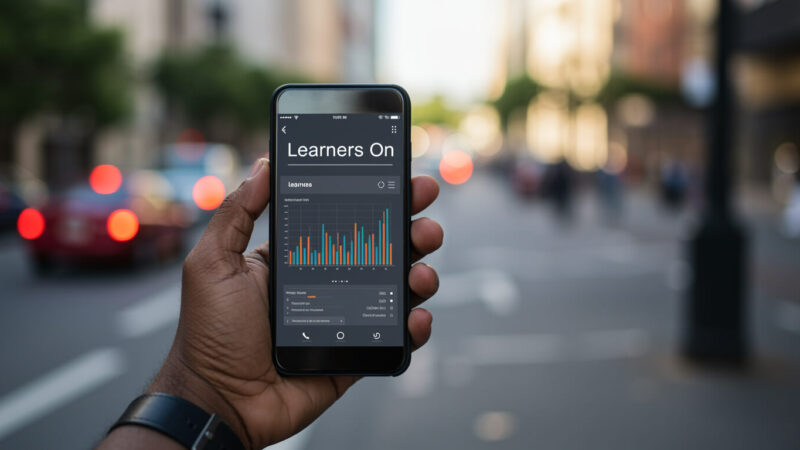
The importance of having frontline employees trained on a mobile first frontline training platform has been emphasised across the board with the message resonating with multiple providers and businesses across various industries. While this on-the-go benefit is very evident for the learner, the administration experience of frontline training platforms also needs to match the same level of flexibility. When looking for a frontline training platform, a question that should also be on the adopters mind should be:
Can this platform empower my team to administer learning on the go or do we need to use a laptop or desktop device to make event the slightest changes to our training modules?
A quick Google search on “mobile powered lms administration” shows 90% of first page populated with products that emphasise Mobile benefits for the learner but not for the administrator. It’s like there is an unspoken rule among frontline training platforms that admin experiences should primarily be restricted to large devices.
This is in-spite of of the insight about today’s workforce being smartphone-native and spending more time on mobile than any other device.
- Over 4.5–5.1 billion people now own a smartphone, representing well over half of the global population and still climbing.
- Mobile generates about 58% of global web traffic, with adults spending roughly 4.5–5 hours per day on their phones vs just over 2 hours on desktop.
Benefits of having mobile powered administration for your frontline trainings
1. Faster time to Issue Resolution
If your admin needs to wait until they’re at their desk in order to make a minor headline change to a training module that should take minutes, then you have introduced a silent bottleneck in your operations. Simple updates that need to take minutes end up taking half an hour. Add this up across the number of changes that need to happen in a day across your admin team and the time sink becomes clear. A mobile first admin workflow ensures that an email or WhatsApp message that has a change request is responded to on the go.
2. Higher Accessibility to Key Learning Metrics
While the laptop screen has the benefit of fitting multiple charts in one view, Mobile access empowers a quicker reaction time to affected frontline employees after getting a performance summary. Your admin doesn’t need to switch devices to speak to react to learning metrics, they can do everything on one place.
3. Real-time Updates to Training Modules From Anywhere
If social media apps such as Tiktok have mastered the art of empowering creation where the action happens, the same should be applied to your processes. Your processes that affect Frontline Employees don’t need to wait for someone to capture them on one device, edit them on another then finally have them uploaded using a separate device. If your admin team sees something, they can instantly capture the process or caution on their phone and upload everything to the appropriate training module, which is updated in real-time.
4. Lower Cost to Adoption
Adopting a frontline training platform should be an investment in your operational efficiency and not a disruption to your budget. You shouldn’t have to think of purchasing new laptop or desktop devices and provisioning them with the standard IT related software just to start administrating your frontline training. A mobile powered frontline training administration experience means that the smartphones your staff use on a daily basis to browse the internet would be the primary devices you need to start the adoption journey. This means that a frontline training platform rollout could take a few days as opposed to months.
5. Reduced Change Management Effort
The issue of Change management in organisations when it comes to adopting new IT systems such as a frontline training platform can’t be ignored. The best an organisation or business can do is reduce the effort required to manage the change/transition. Increasing the ease of performing frontline training administration tasks via mobile goes a long way in winning over an admin team that has to balance multiple priorities in a day, many of which require specific tools which have varying degrees of usability. Giving your administrator the freedom to manage training from the comfort of their phone means that employee onboarding, training module creation and management, permission assignment and real time learner discussions can all be done remotely.
Checkout the in-depth demo below on how Tizisha empowers administrators to manage all frontline training platform functions from the comfort of their smartphones today.