
- Visit the Learner platform On your Phone/Tablet and on Desktop/Laptop and login.
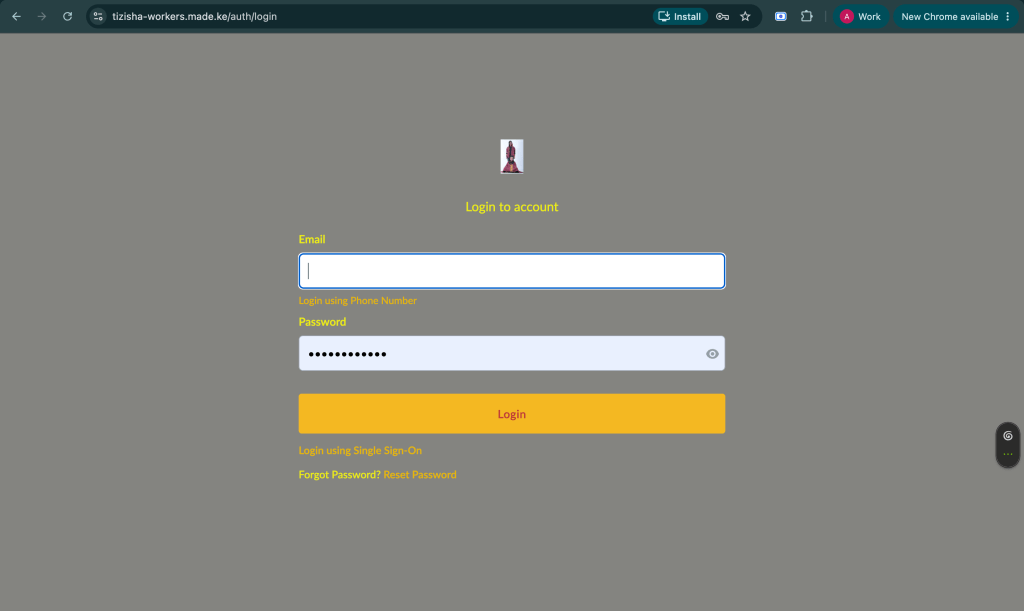
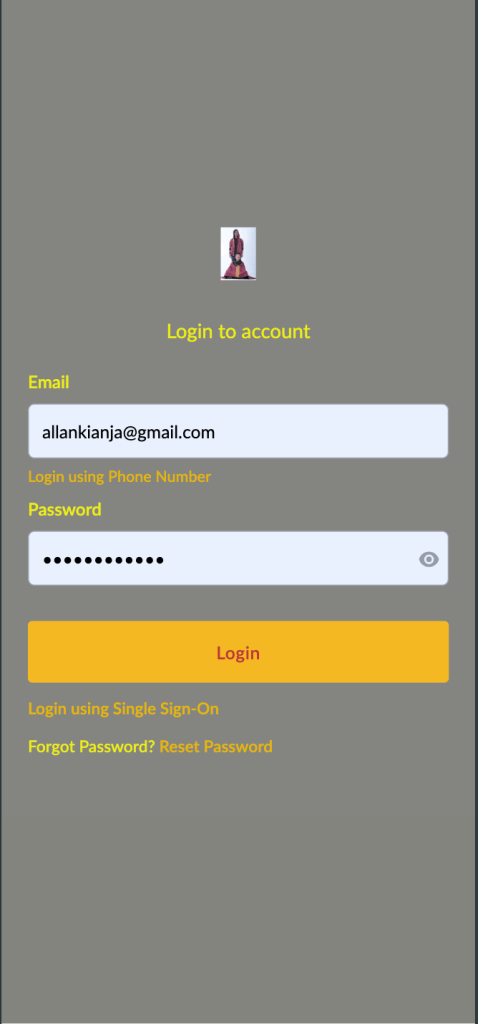
- You should see that the authentication pages(login & password reset) now display the custom logo.
Desktop View
Mobile View
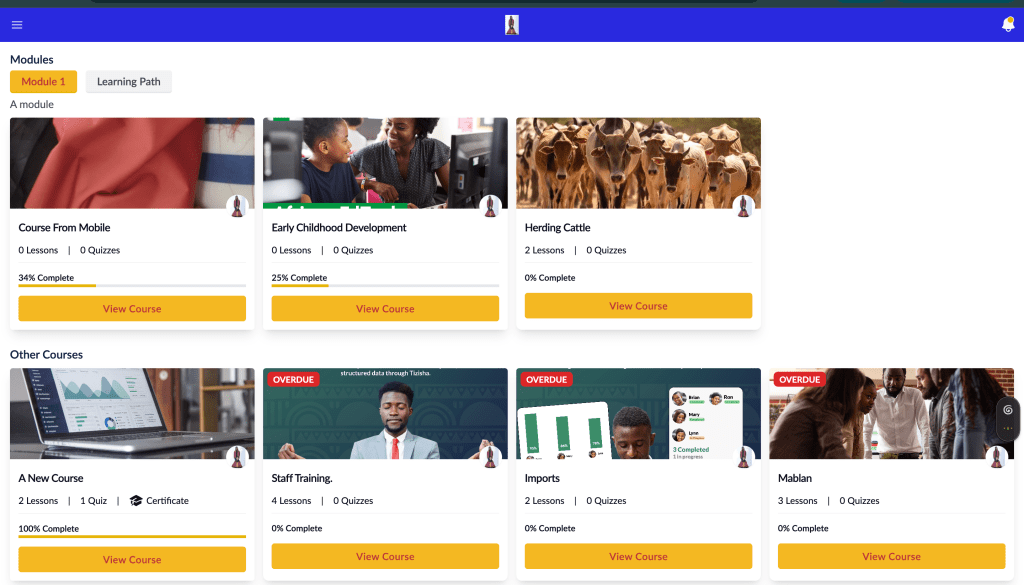
- Once logged in, any appearance changes that were made should have taken effect, across the platform.
- The learner will only be logged into that organisation and won’t be able to switch to different organisations.
Desktop View
Mobile View
