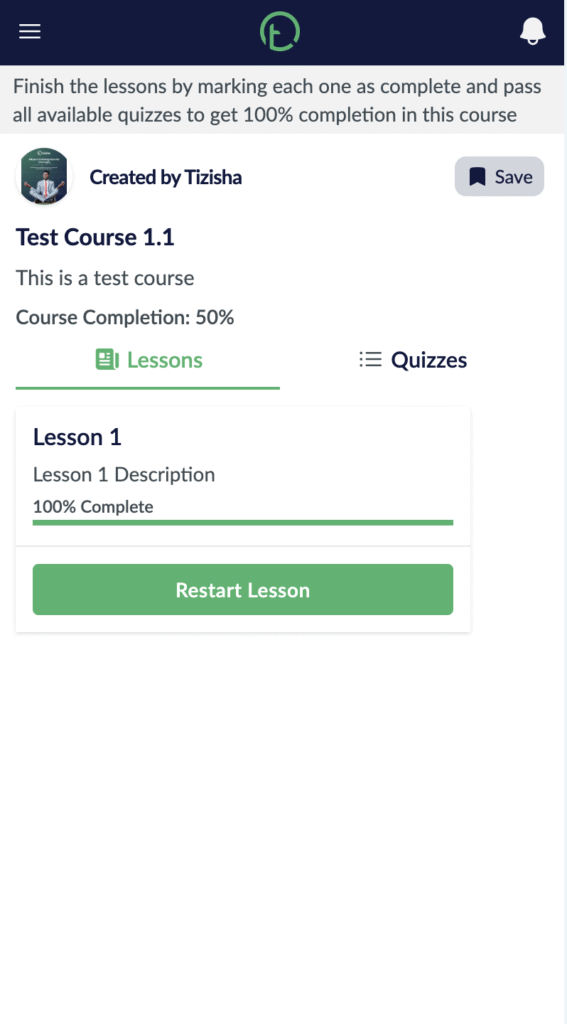
- Visit the Publisher platform On your Phone/Tablet and on Desktop/Laptop and login.
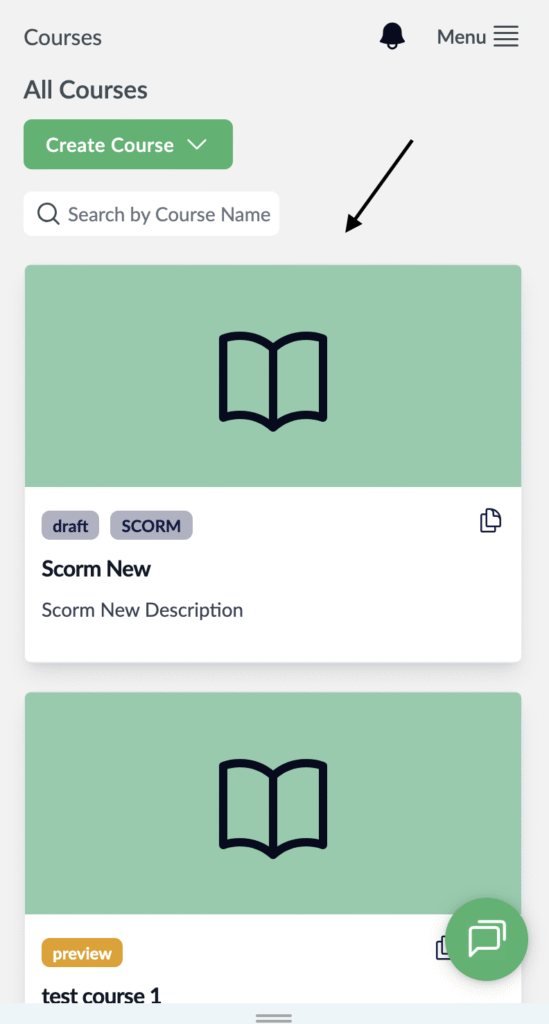
- Navigate to one of the courses you’ve created.
Desktop View

Mobile View
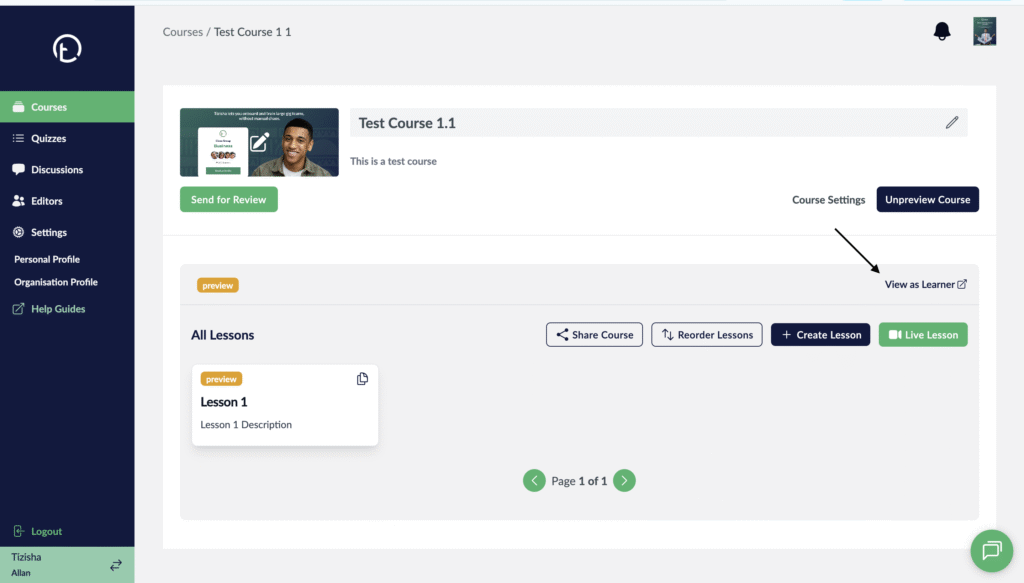
- On the right side of your screen, just below the preview button you’ll see a “View as Learner” link.
- Click on it.
Desktop View
Mobile View

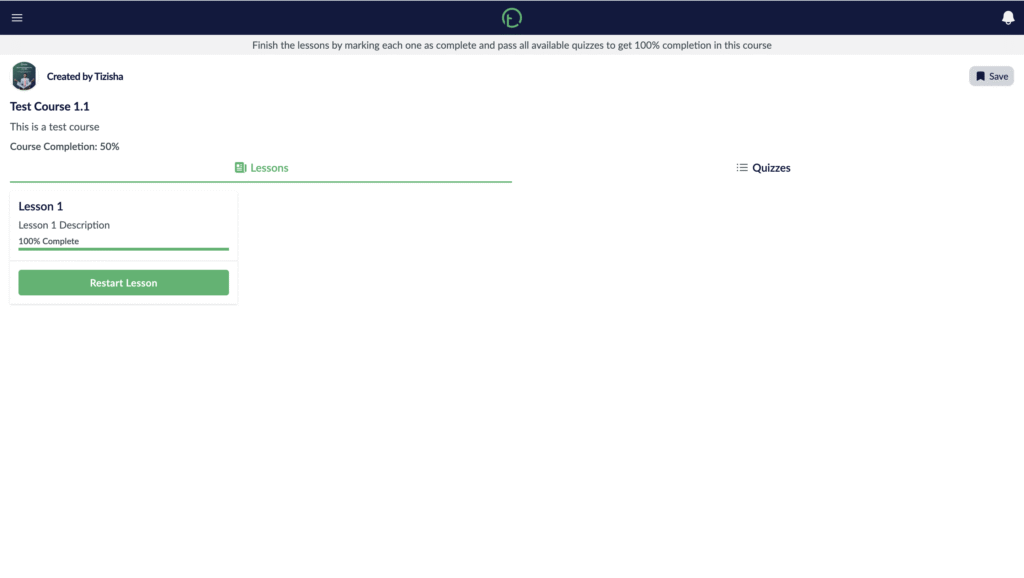
- This will redirect you to the learner app and log you in where you will preview the course and get an experience of how learners will view and navigate through the content.
Desktop View
Mobile View