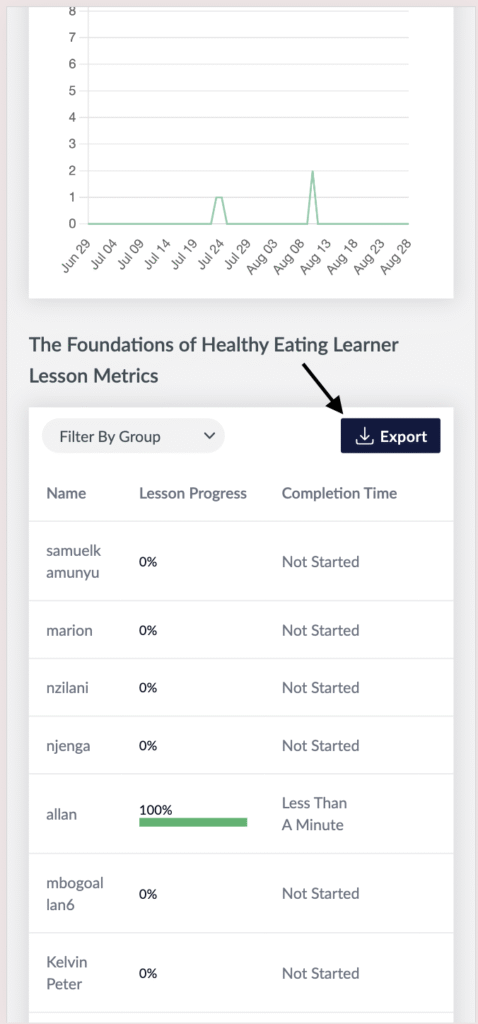
- Visit the Creator platform On your Phone/Tablet and on Desktop/Laptop and Login.
- Navigate to the metrics feature on the side bar and select a course and lesson you want to check metrics to.
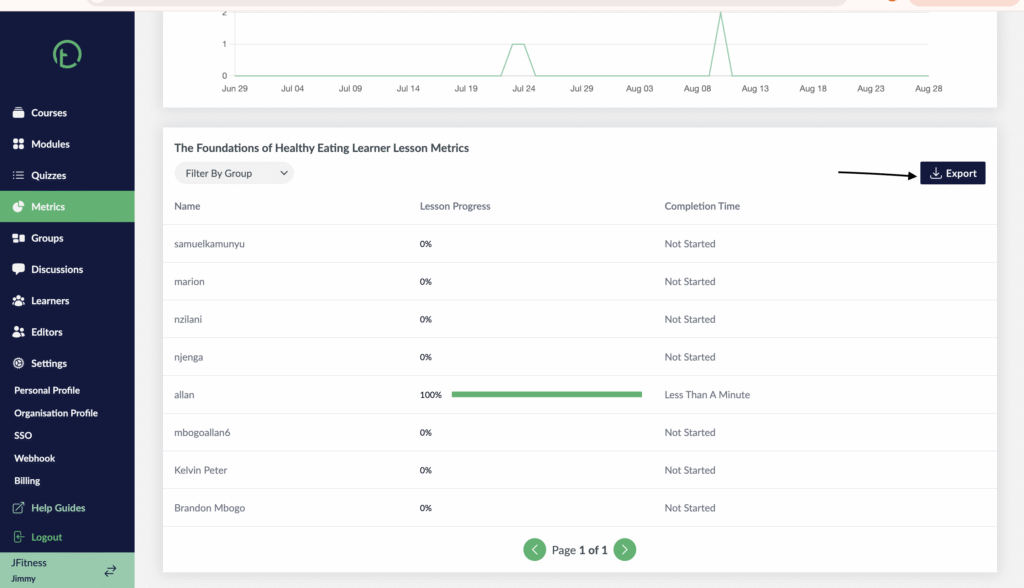
Desktop View

Mobile View

- You will see an “export” table on the learner lesson metric table just below the Course Views Graph.
- Click on it to download the sheet to your device.
Desktop View
Mobile View