- Visit the Publisher platform On your Phone/Tablet and on Desktop/Laptop and login.
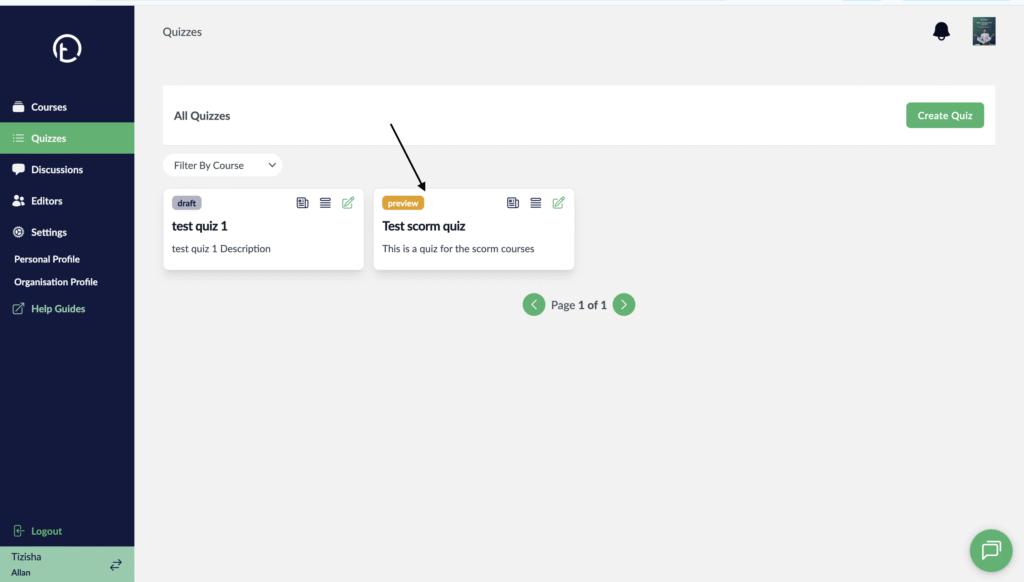
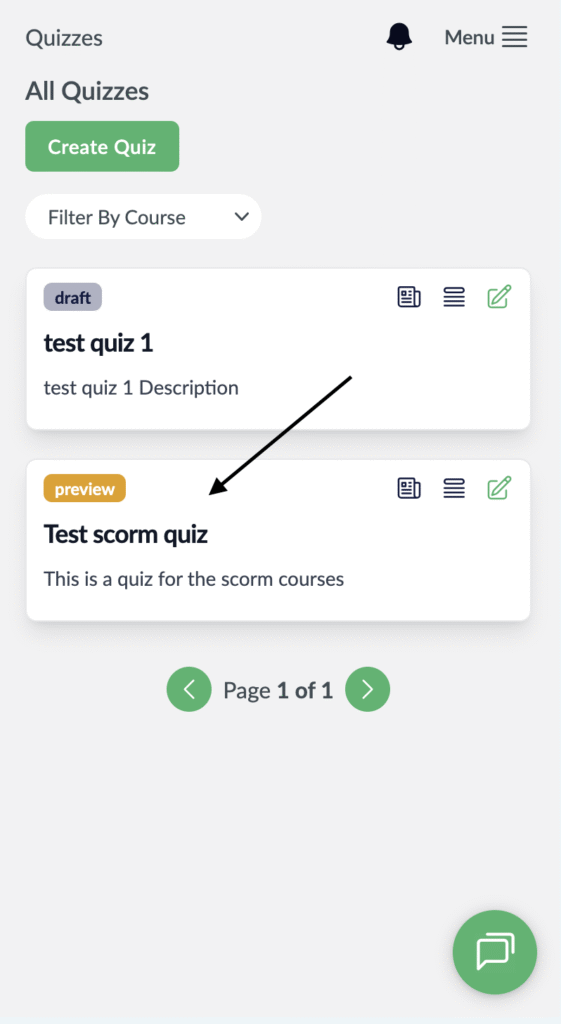
- Navigate to the quizzes section on the sidebar find a quiz you created.
Desktop View
Mobile View
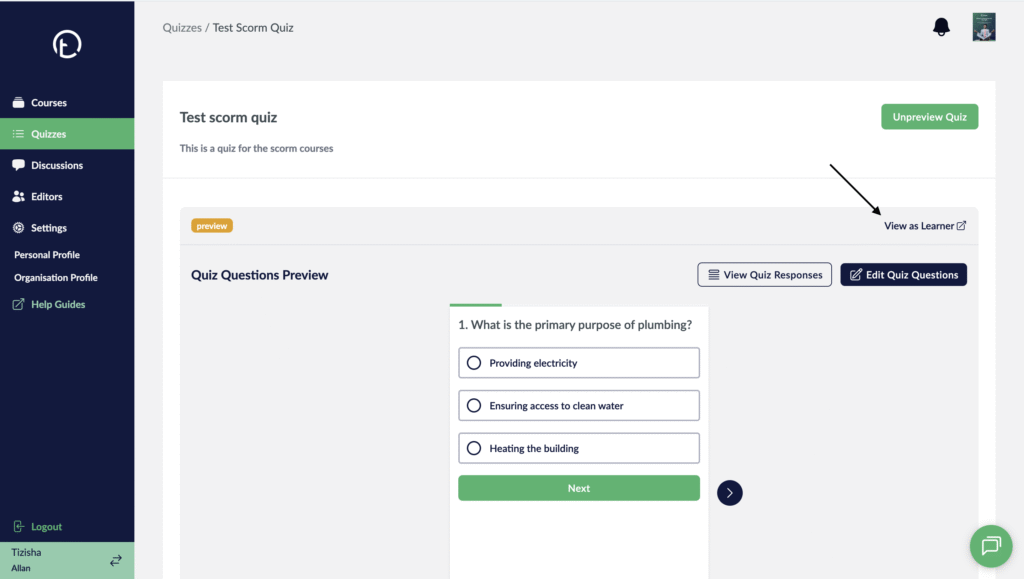
- Once the quiz opens up, you will see a “View as Learner” link on the far right of your screen, click on it.
Desktop View
Mobile View

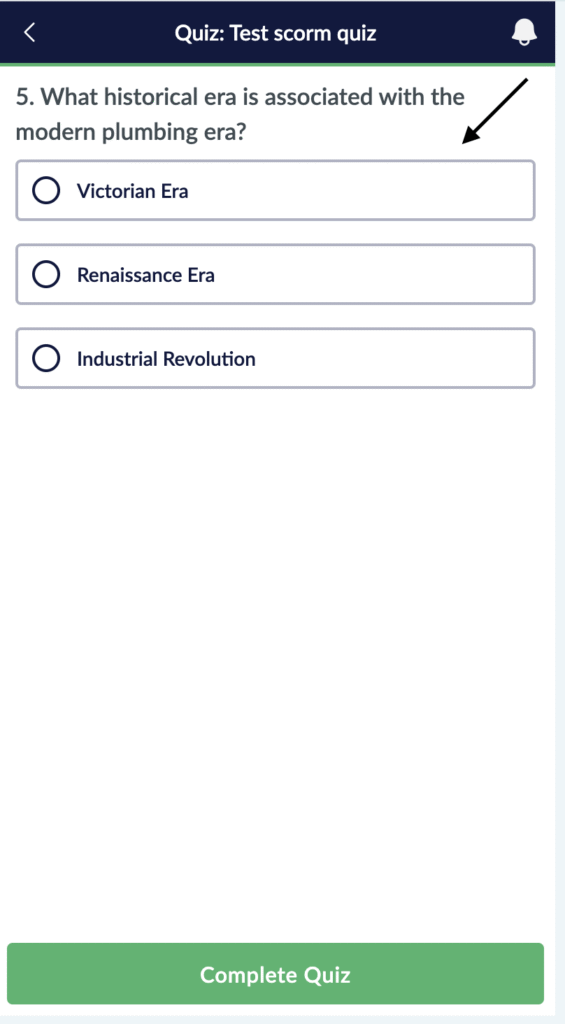
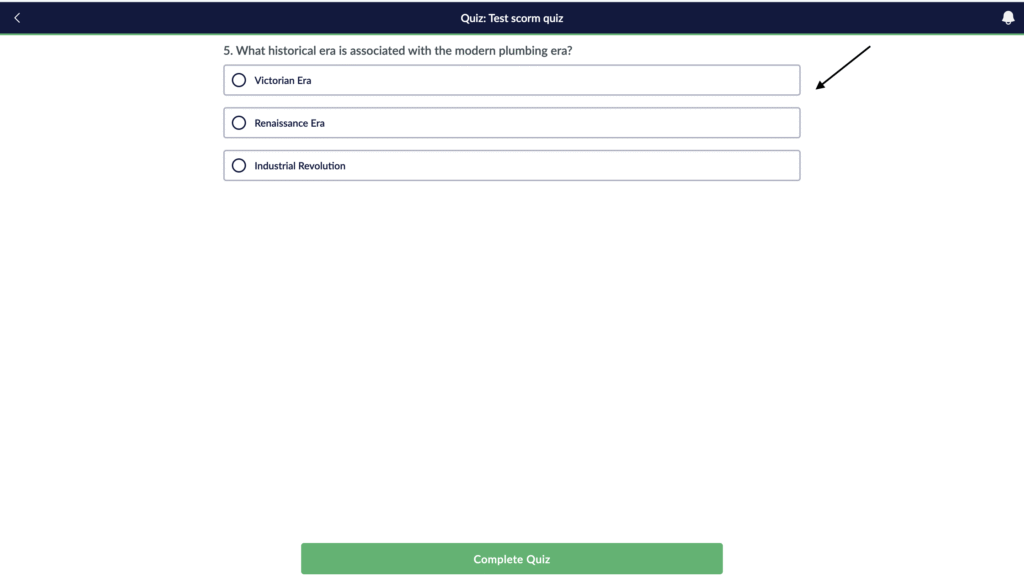
- Upon clicking this, you will be logged in and redirected to the learner app and you can preview the quiz.
Desktop View
Mobile View