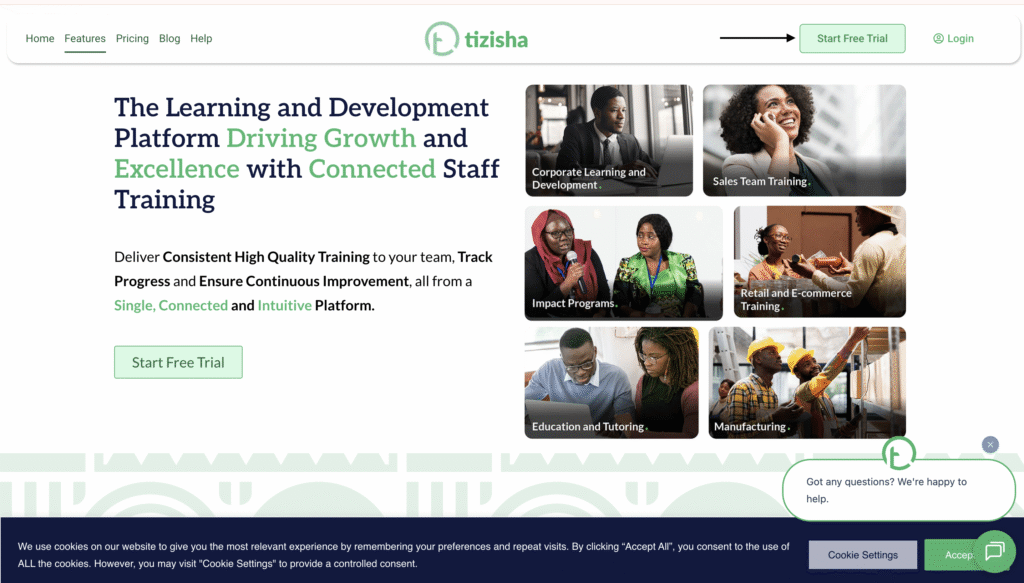
- Visit the Creator platform and hit the Start Free Trial button to Sign up.
Desktop View
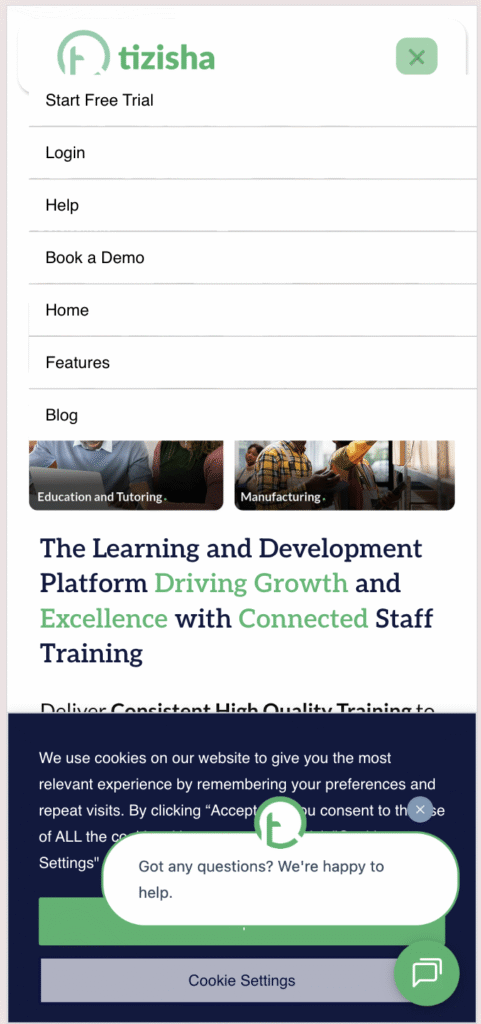
Mobile View
- On Mobile while on the landing page, click on the Humburger Icon on the top right of your screen to get access to the navigation controls.
- Click on start free trial.
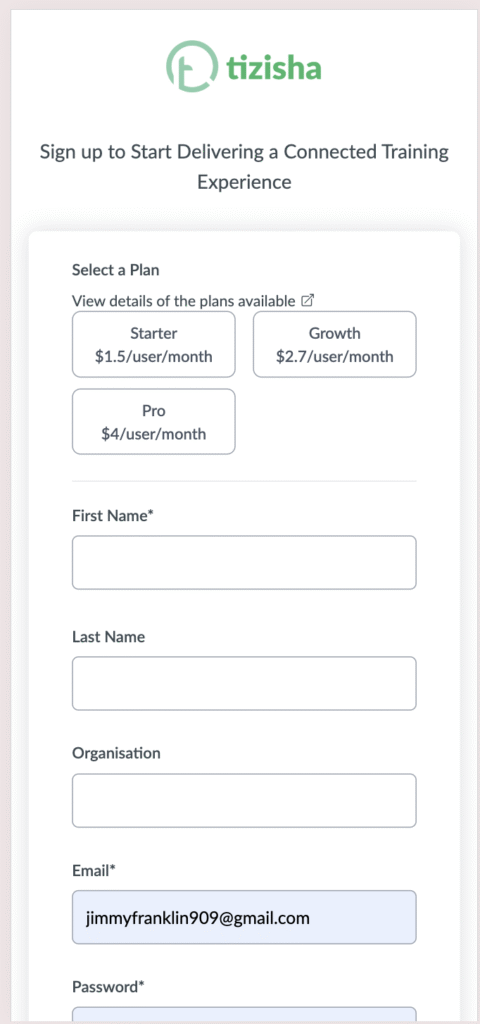
- You will be redirected to the sign up page where you will be able to select one of the three plans: Starter, Growth and Pro (You can navigate back to the landing page and scroll to the pricing section to see the features you get for each plan).
- Once you’ve selected the plan, proceed to add the input fields available and click Sign up.
- You will be billed After 30 days after account creation.
Desktop View

Mobile View
- Once you account is set up, you will be redirected to the creators User interface and you can now start creating and publishing your content.
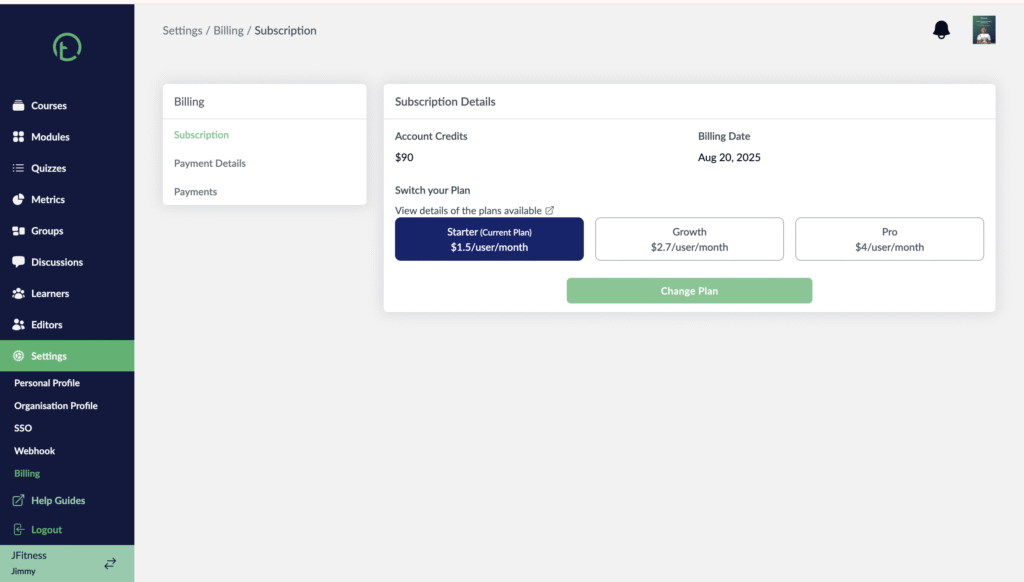
- On the creator page, if you wish to see the the plan you selected and the next billing date, just navigate to the billing section on the sidebar under settings and you will see all this information there.
Desktop View
Mobile View
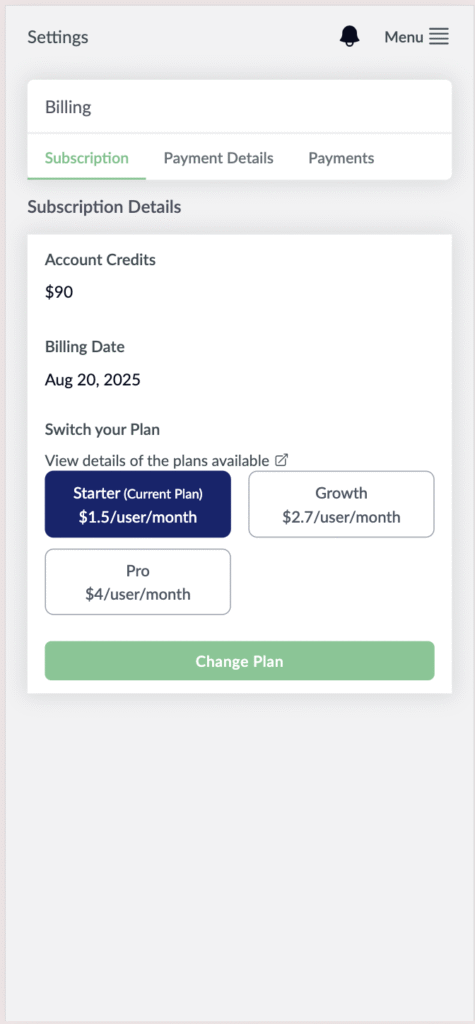
- If you wish to upgrade you plan, just select the plan you want and click “Change Plan”. You will get a notification stating that your subscription has gone through successfully.
- If you were on a Plan like pro but now you wish to downgrade to a lower plan like starter, you will get an error message stating that you have to reduce the number of users first to meet the requirements for that plan.