- Visit the Creator platform On your Phone/Tablet and on Desktop/Laptop and Login
- Navigate to the course details section of a Scorm Course you just created.
- Click on it
Desktop View

Mobile View

- On the course details page you will see an “Update Scorm Content” button.
- Click on it to update your package.
Desktop View

Mobile View

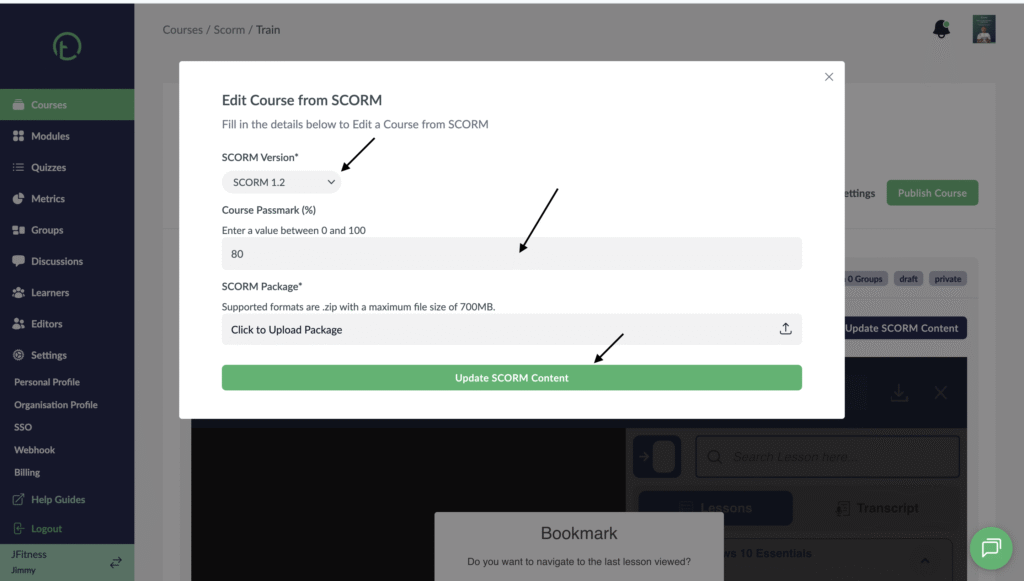
- After clicking it, you will get this pop up that lets you update Scorm Version, passmark and the new Scorm Package.
- Update this fields and click on “Update Scorm Content” button.
Desktop View
Mobile View

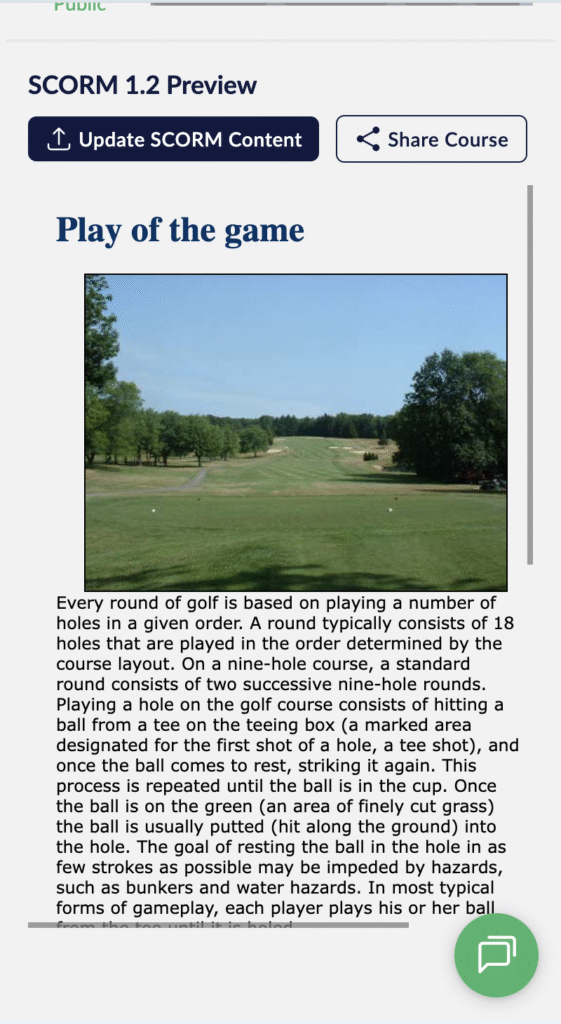
- You will notice that the old package will now be replaced by the new one you just uploaded.
Desktop View

Mobile View