- Visit the Publisher platform On your Phone/Tablet and on Desktop/Laptop and login.
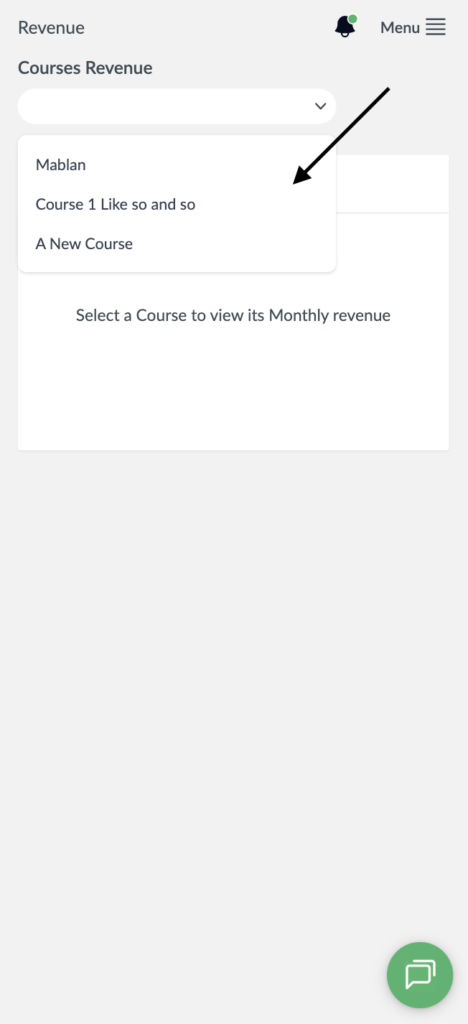
- On the sidebar navigate to the revenue section and click on the dropdown to select the course you want to check revenue for.
Desktop View.

Mobile View
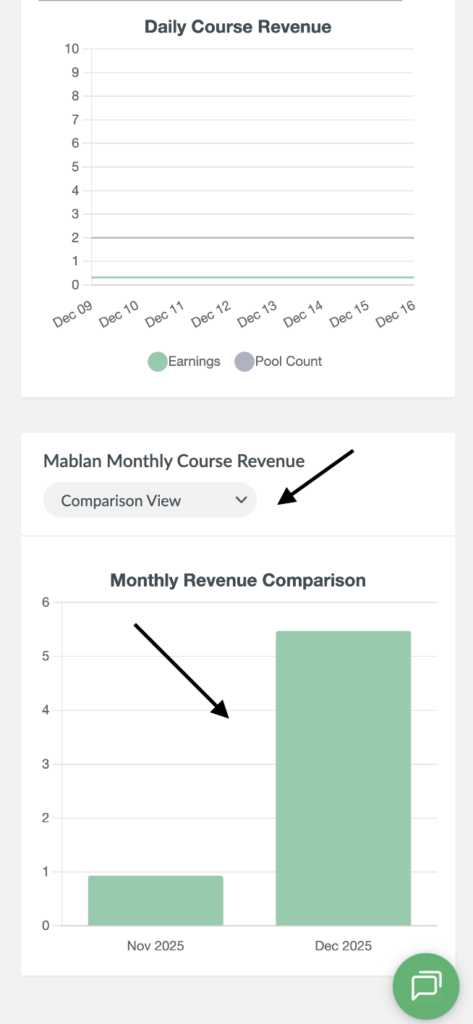
- After selecting your course you will notice two graphs will be displayed, Daily and monthly revenue. Scroll down to the monthly revenue graph which will have the Comparison View as the default view.
- In this view a bar graph will be displayed.
Desktop View

Mobile View
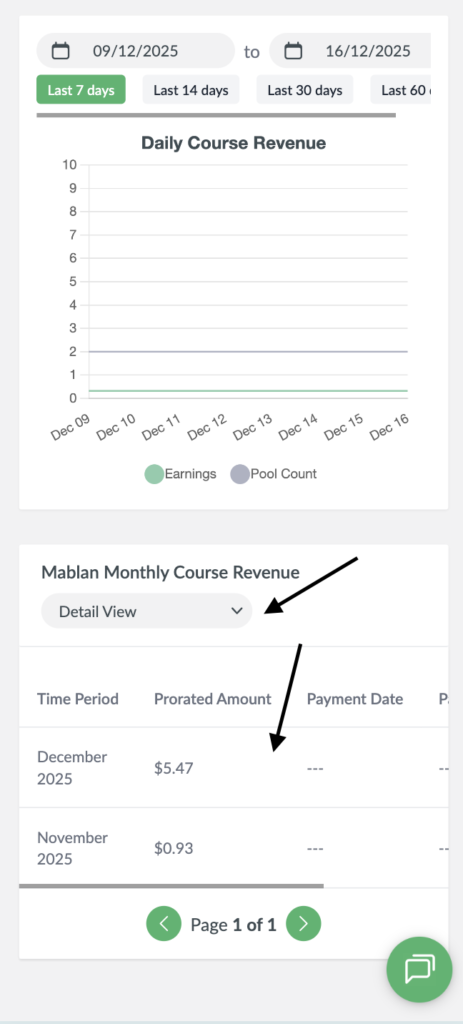
- If you wish to switch the view and have a more detailed view of your monthly revenue, click on the dropdown and select “Detail View”.
- Your revenue will now be displayed in a table.
Desktop View

Mobile View