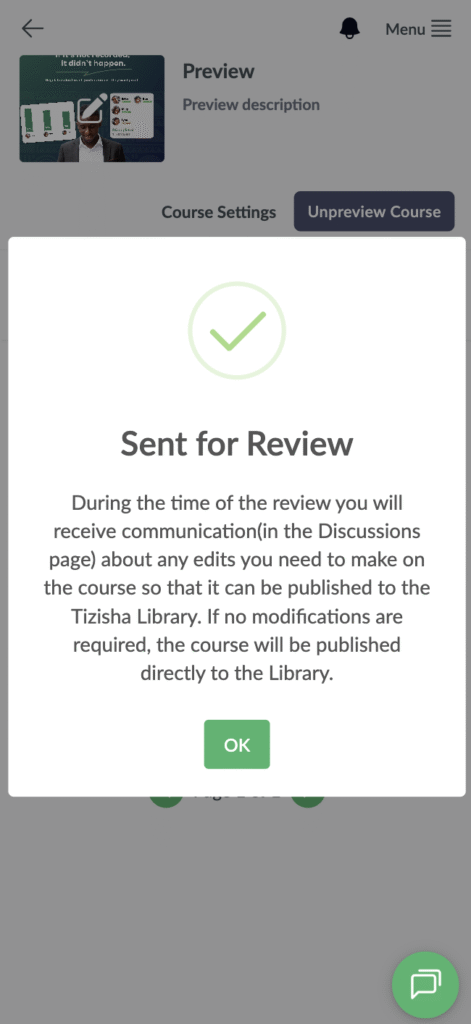
Before your course can be published on the Tizisha Library, it has to go through a review by the Tizisha content team.
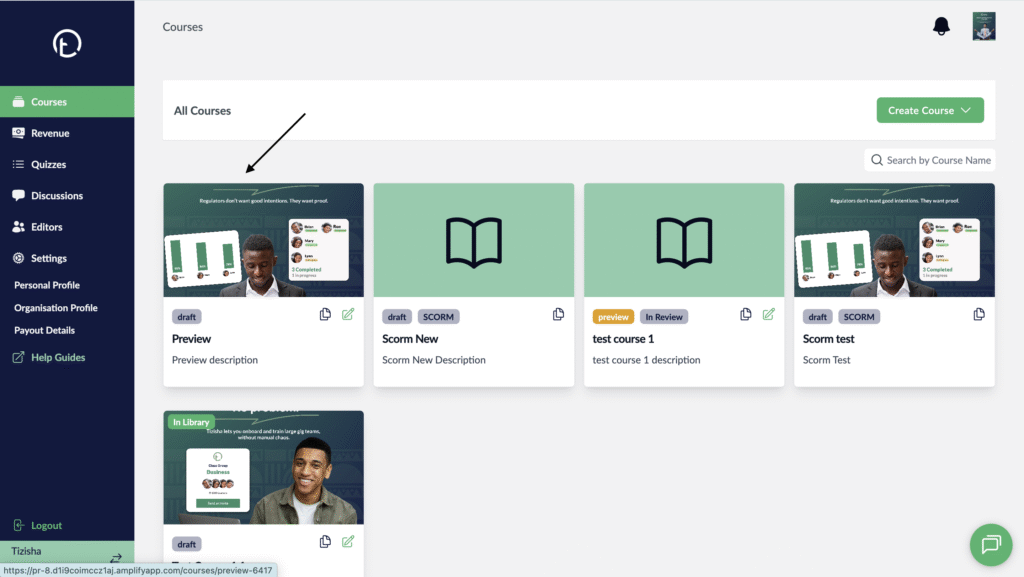
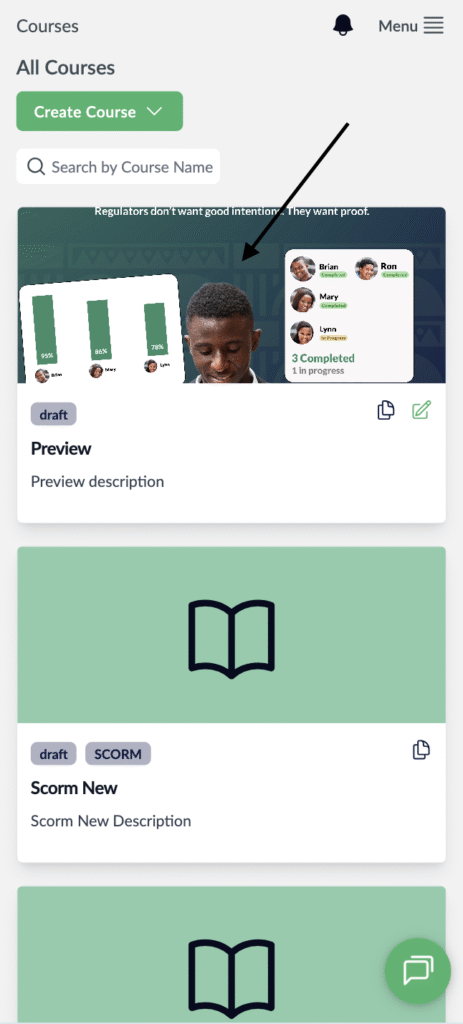
- Visit the Publisher platform On your Phone/Tablet and on Desktop/Laptop and login.
- Navigate to the courses section and select any course.
Desktop View
Mobile View
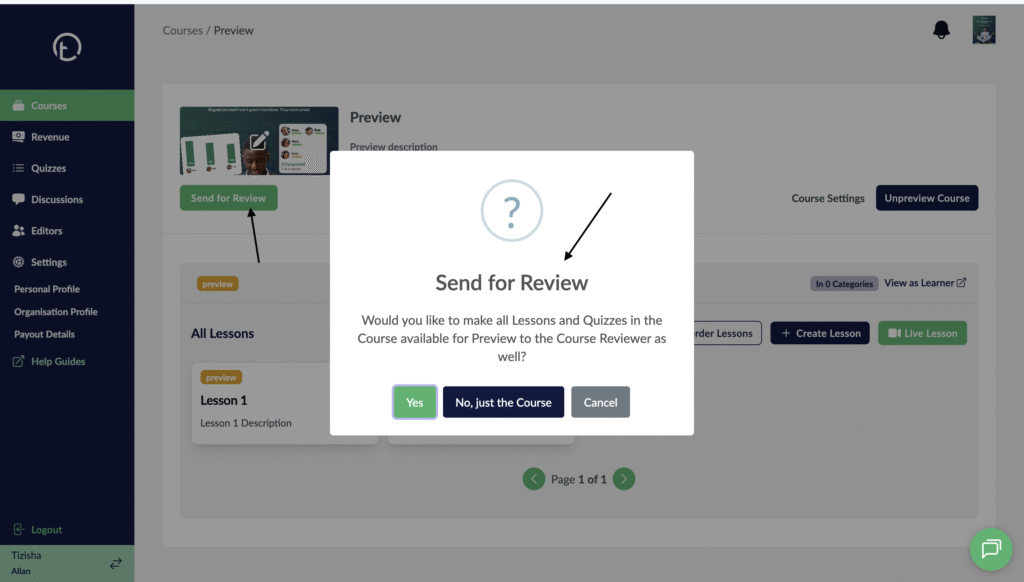
- Just below your course thumbnail, hit the “send for review” button.
- You will get a pop up asking whether you want all the quizzes and lessons within the course to be sent over for review.
Desktop View
Mobile View
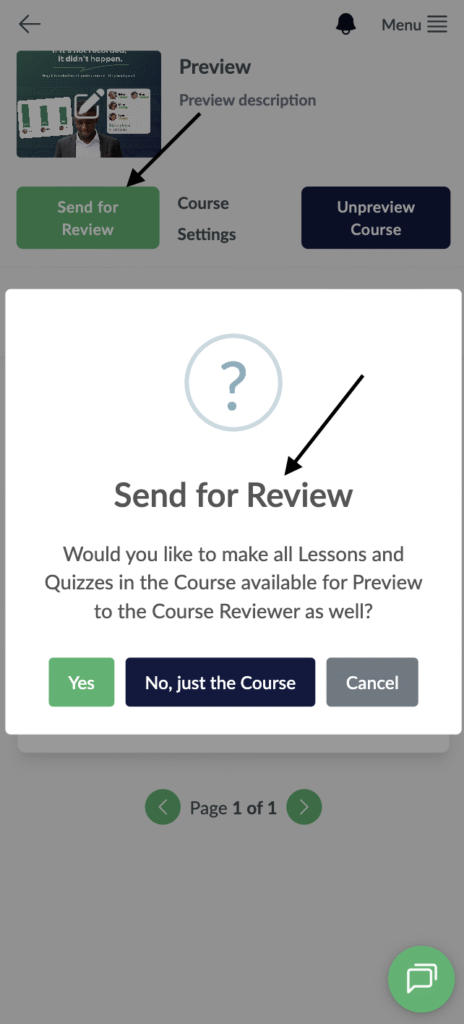
- If the course was not previewed(Published) clicking “yes” will automatically preview all the lessons, quizzes and course.
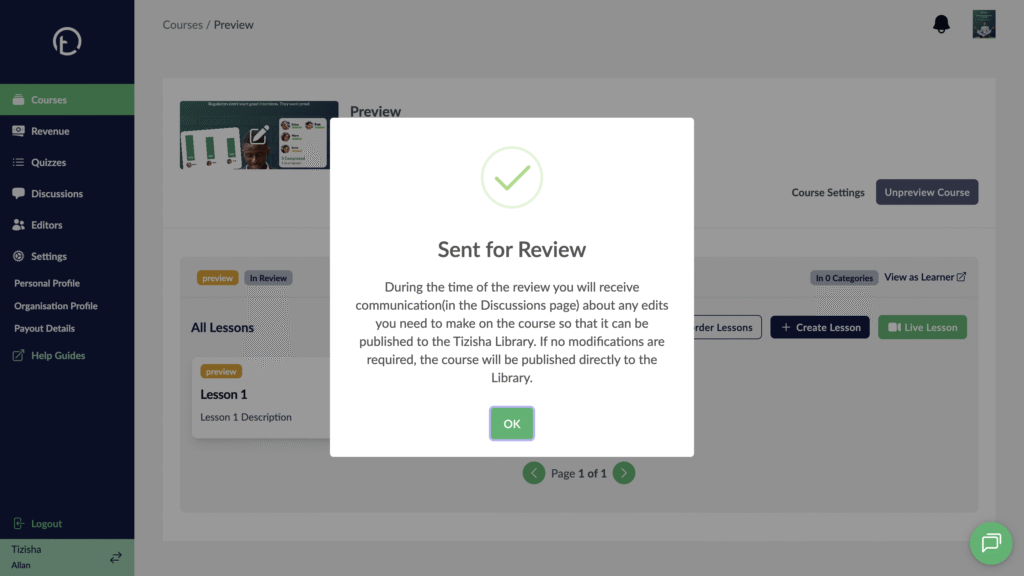
- You will get a pop up message indicating that your course has been sent for review and guidance on how to track feedback on the same before the course is pushed over to the library.
Desktop View
Mobile View