
- Visit the Publisher platform On your Phone/Tablet and on Desktop/Laptop.
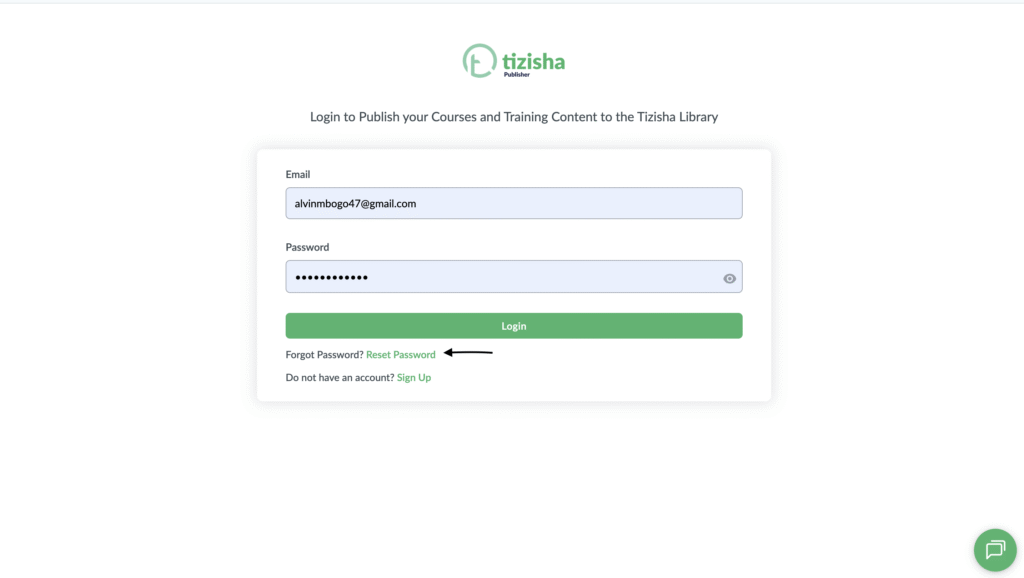
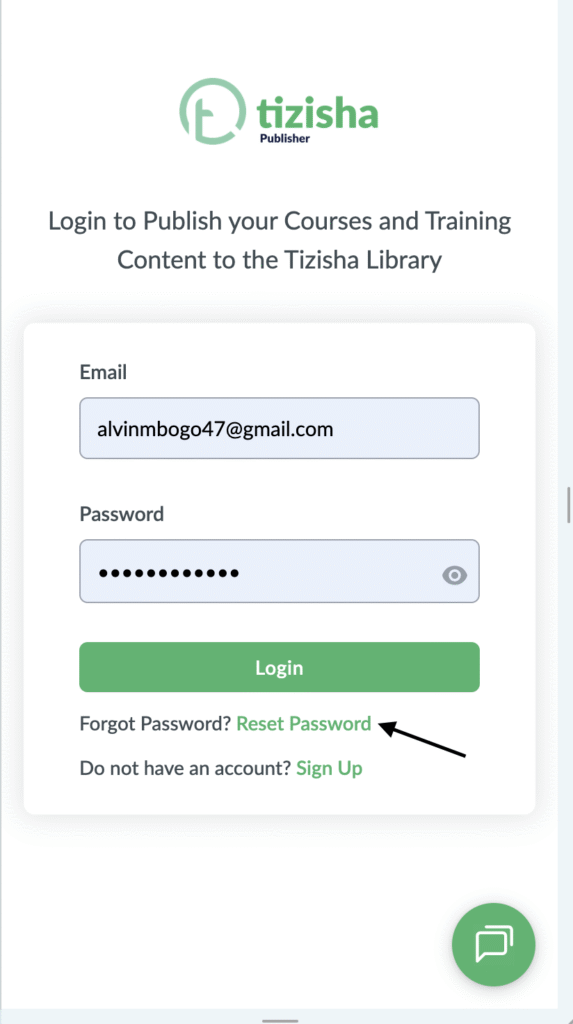
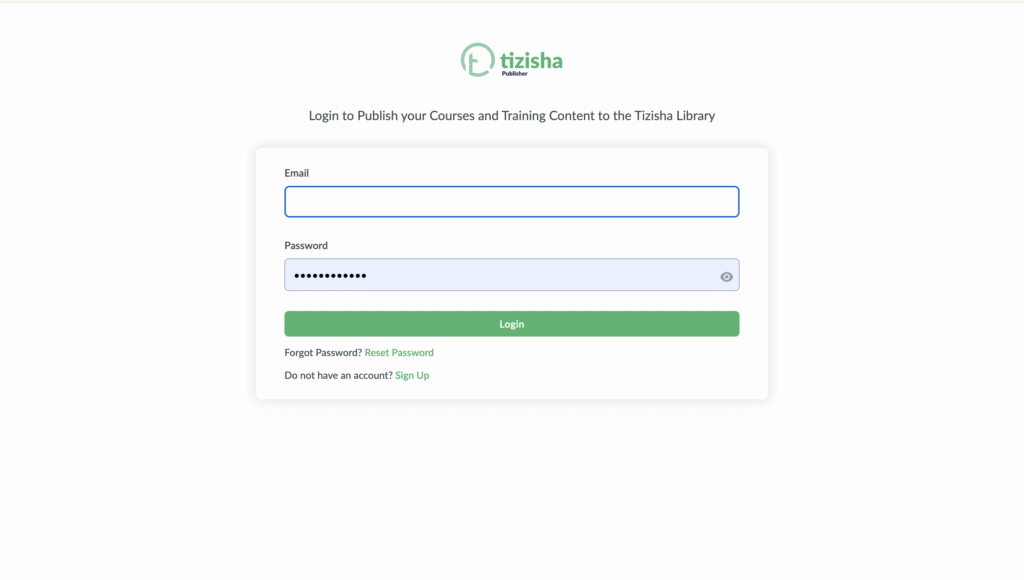
- Navigate to the login page and you will see a reset password button.
- Click on the reset password button.
Desktop View
Mobile View
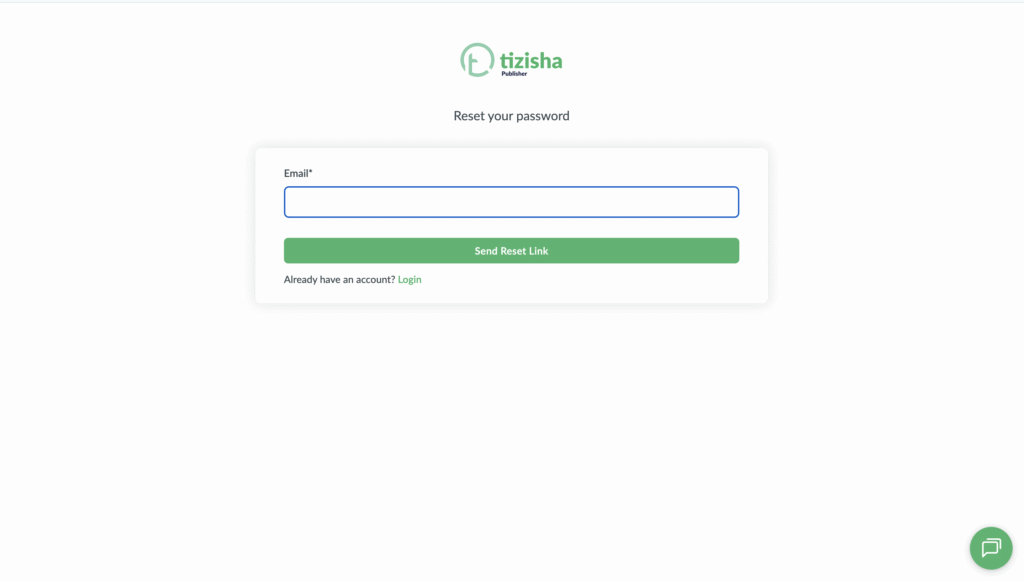
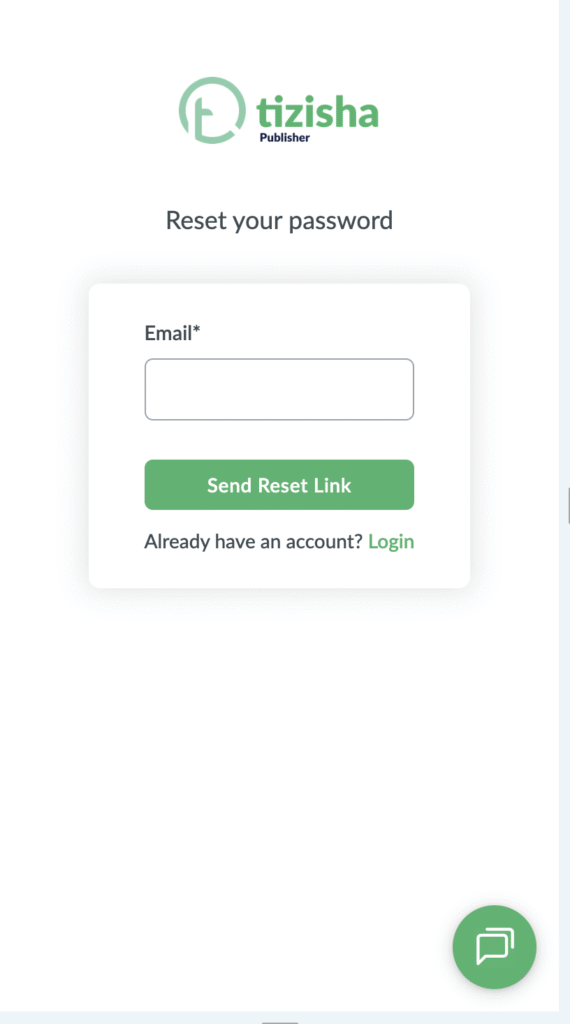
- You will be redirected to a page where you will be required to add your email.
- Add your email and click on the “Send reset email” button.
Desktop View
Mobile View
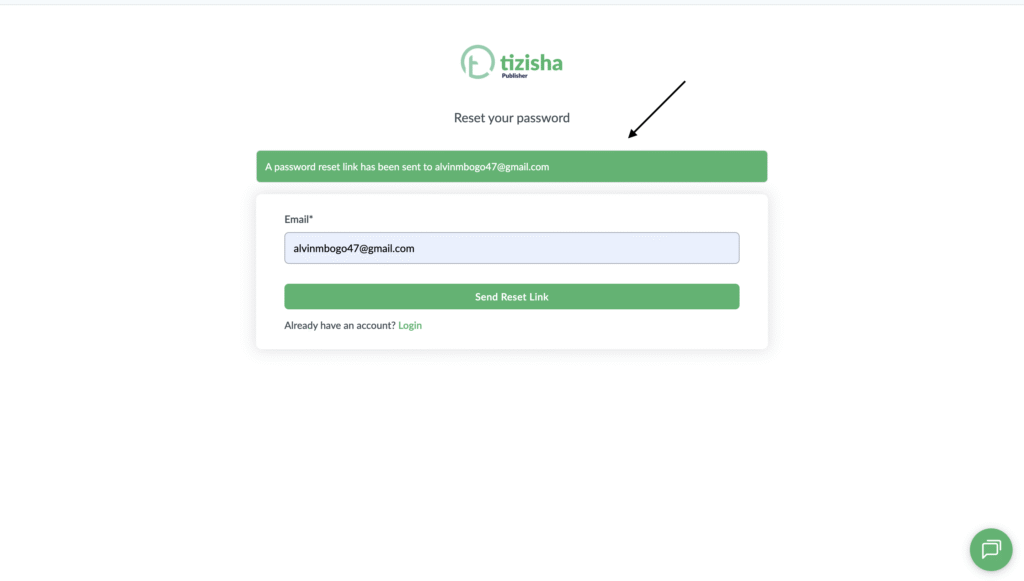
- After adding your email and hitting the button, you will get a success message stating that the reset link has been sent to your email.
Desktop View
Mobile View

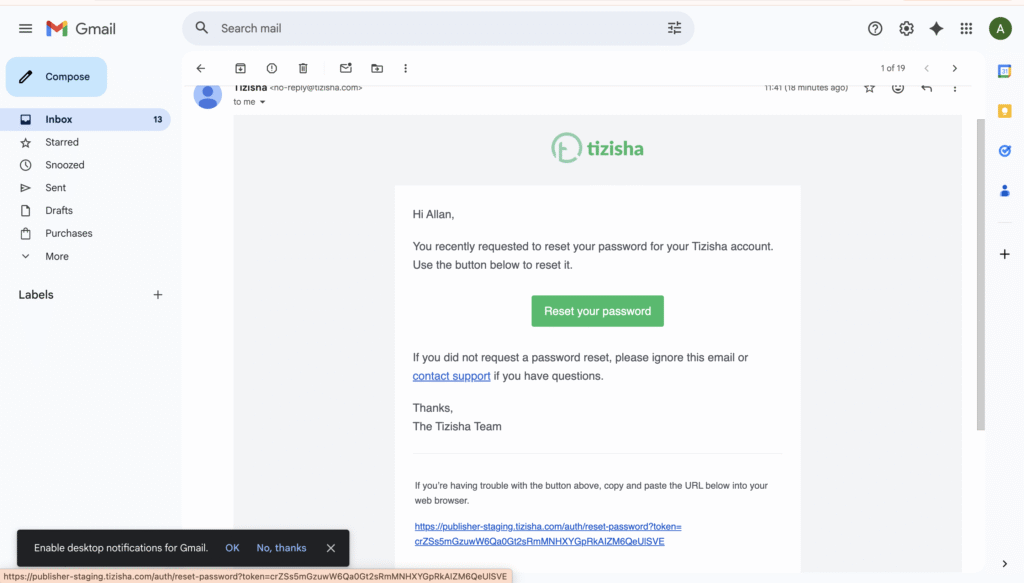
- Now navigate to your email to find the password reset link.
- Click on Reset your password.
Desktop View
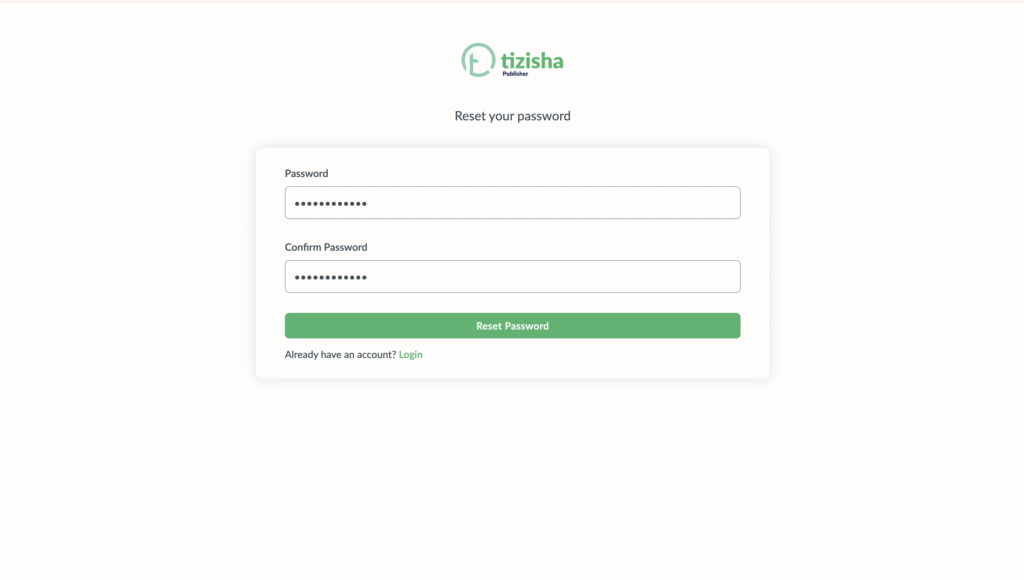
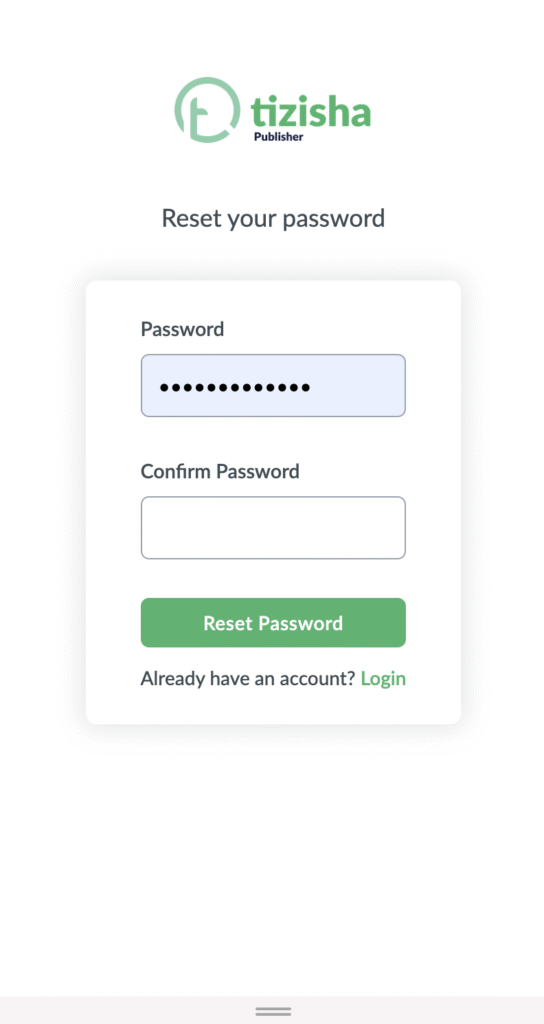
- Upon clicking the rest your password button, you will be redirected to the password reset page where you will be required to add your new password.
- Once done hit the reset password button.
Desktop View
Mobile View
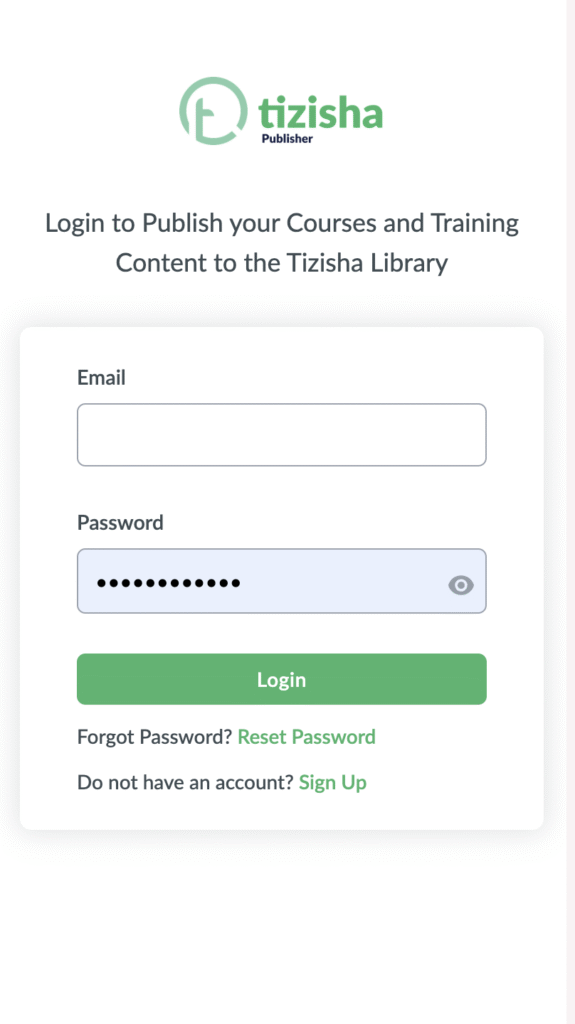
- You will now be redirected to the login page upon successful password reset.
- Proceed to add your email and login.
Desktop View
Mobile View
- Now after adding your details you will be logged in to your publisher profile successfully.