- Visit the Learner Web App On your Phone/Tablet and on Desktop/Laptop and login.
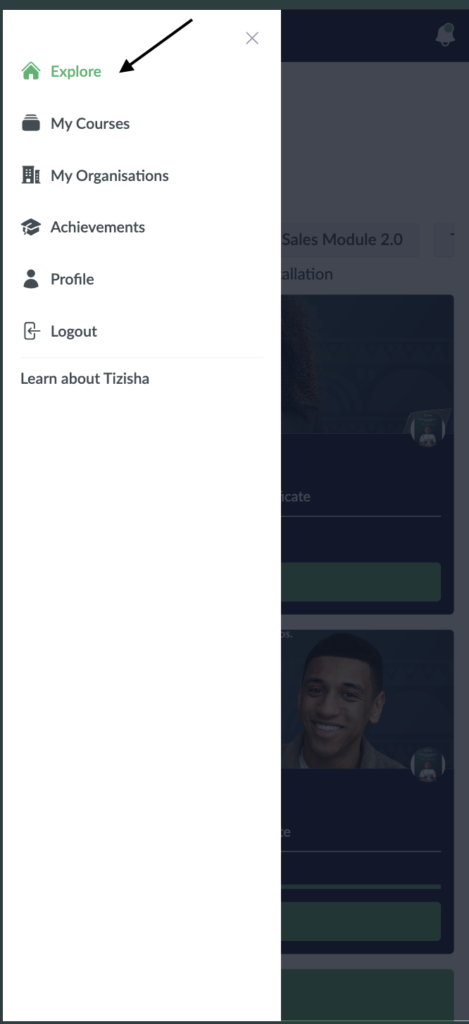
- Click on the hamburger icon on the top left of your screen to get access to the side bar.
- Click on explore.
Desktop View

Mobile View
- You will see a Course that’s overdue labelled locked.
Desktop View

Mobile View

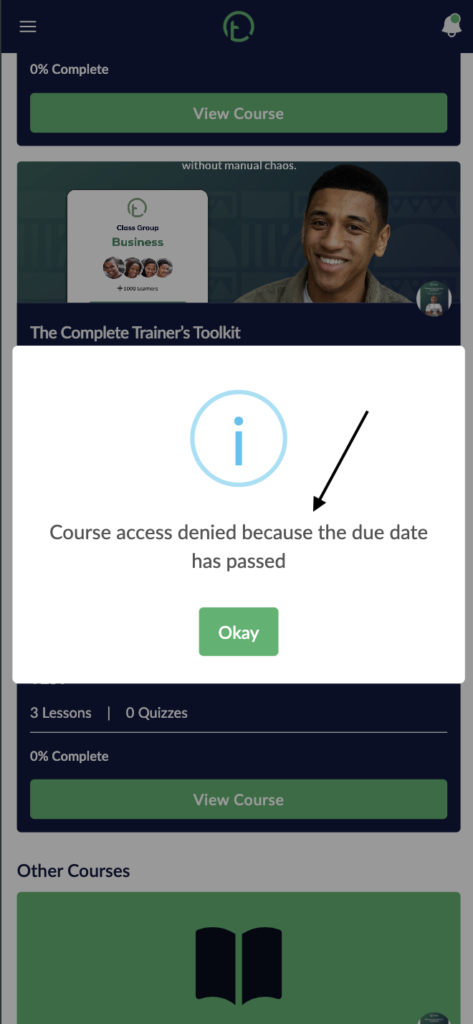
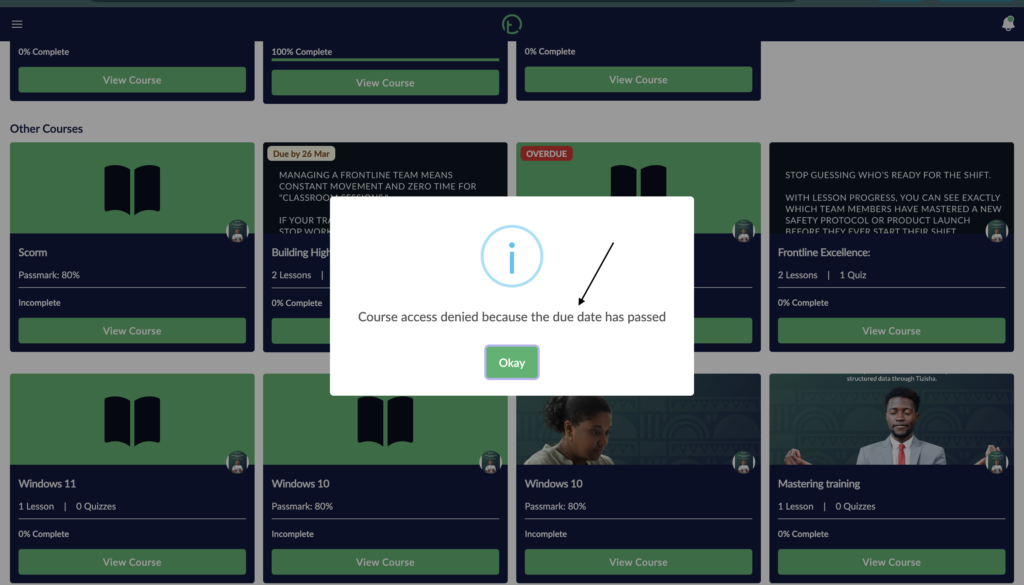
- If you click on the “Locked” button, you’ll get a pop up notification reading “Course access denied”.
- Click “Okay” to close the dialogue.
Desktop View
Mobile View