- Visit the Creator platform On your Phone/Tablet and on Desktop/Laptop and Login
- Navigate to the metrics section on the side bar.
Desktop View
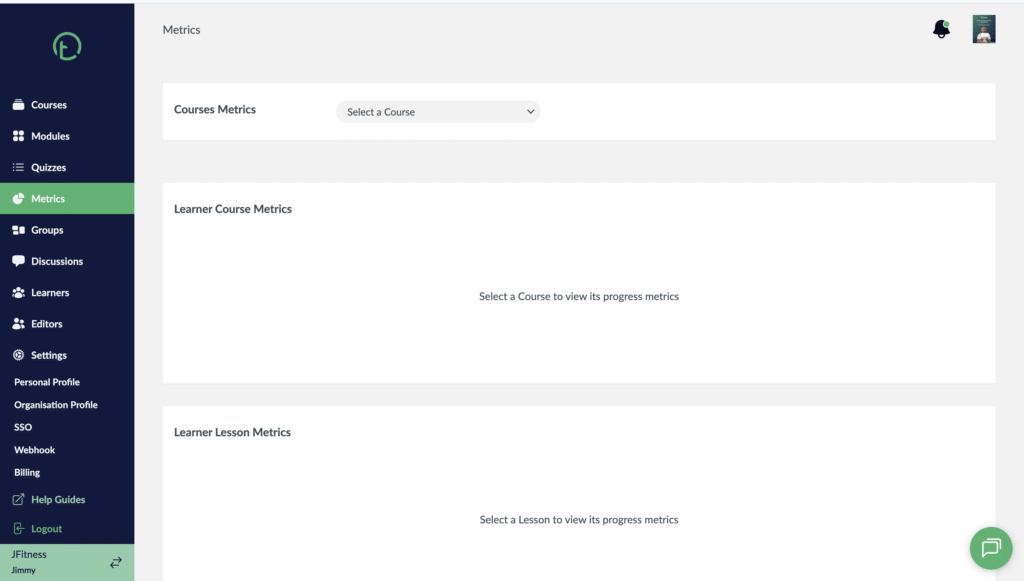
Mobile View

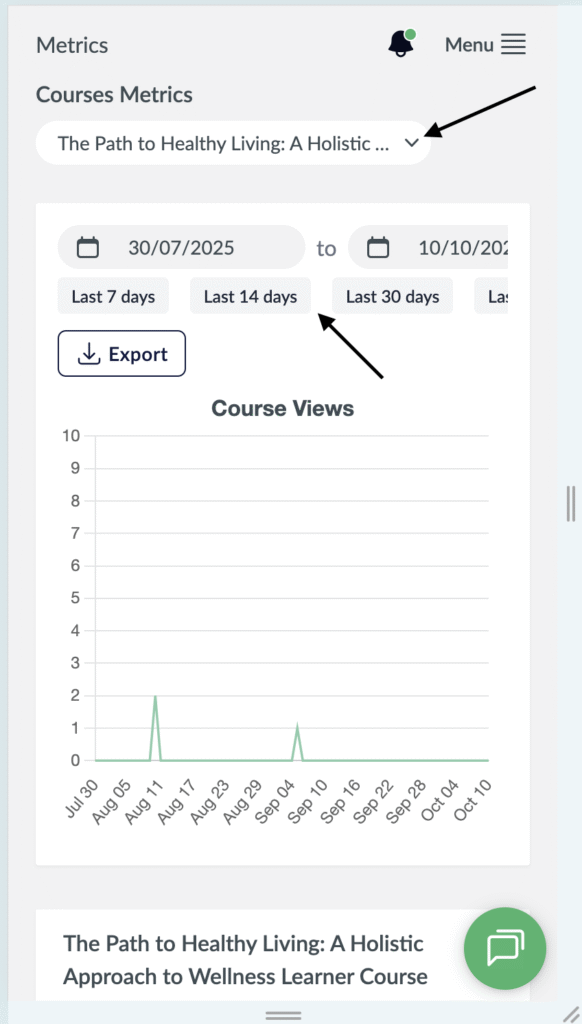
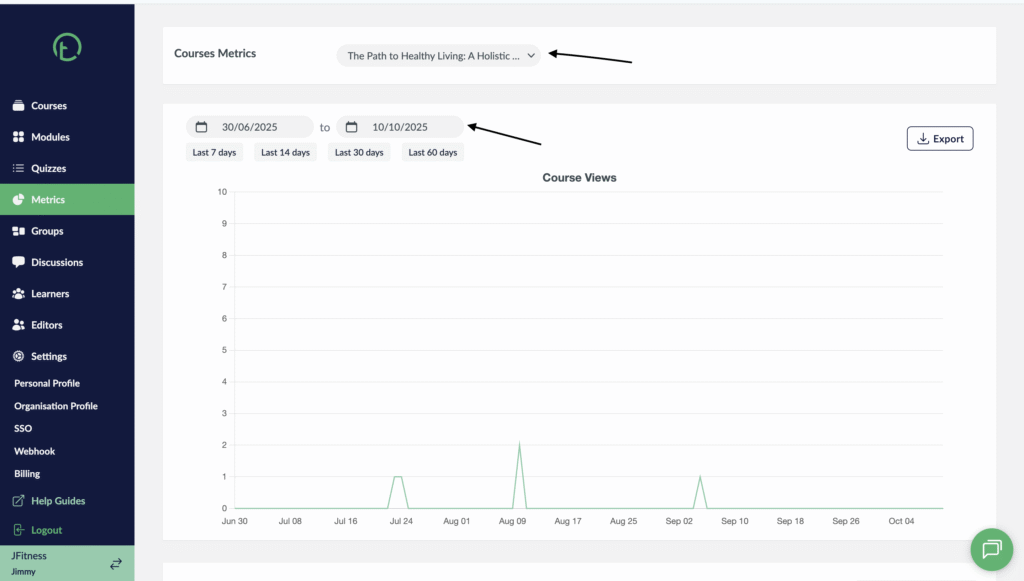
- Filter the course you want to check metrics to by clicking on the dropdown.
- Filter the period (time) over which you want to track by clicking on the calendar
- This graph will be displayed showing the number of students and the dates they engaged with your content.
Desktop View
Mobile View